
Free
DMarker is a powerful and intuitive tool for handling PDF documents. With DMarker, you can open a PDF file and seamlessly append multiple PDFs to it by creating organized bookmarks, making document management effortless..
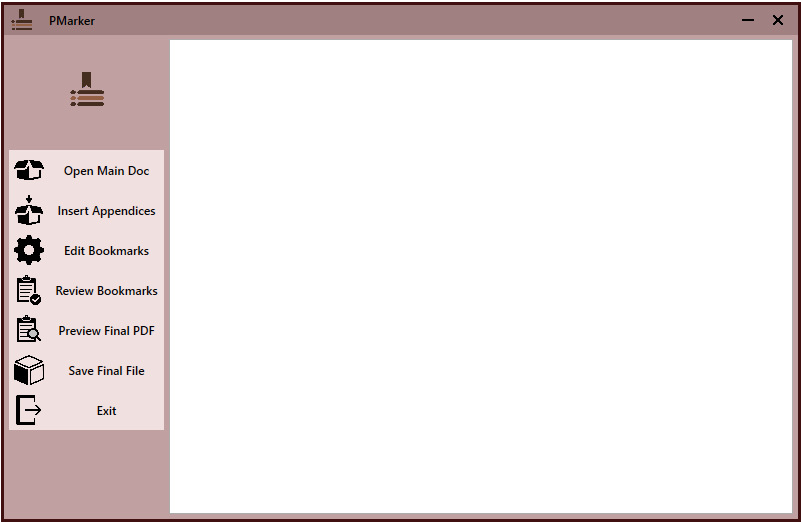
Open PDF Files: Quickly load your main PDF file for editing.
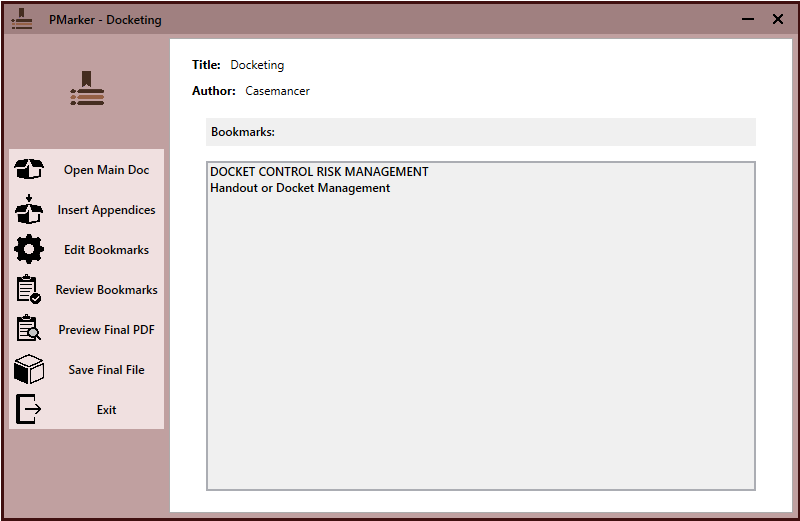
Insert Appendices: Add a PDF file to the main document with Bookmark.
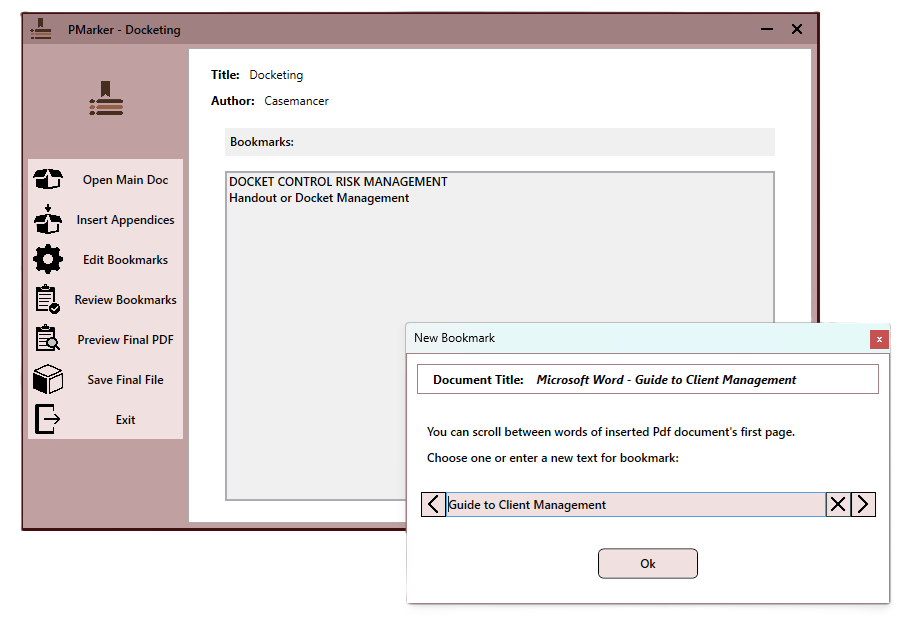
Edit Bookmarks: Modify or Delete Bookmarks for better navigation and organization.
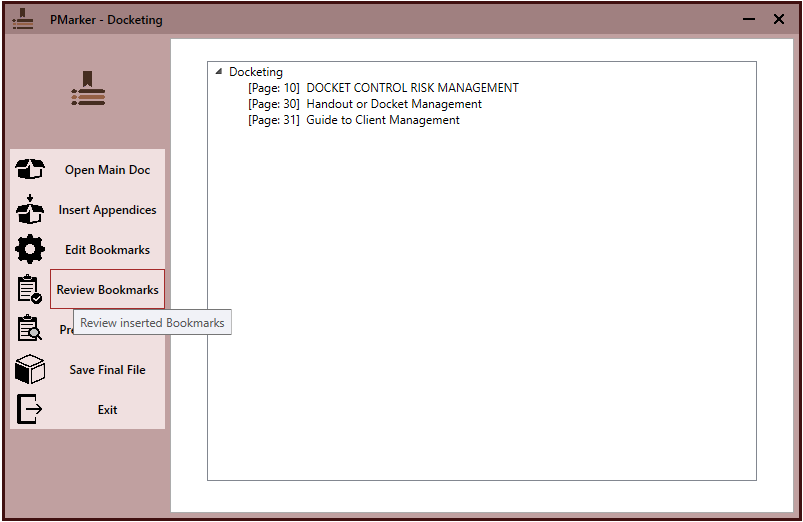
Review Bookmarks: Review the result Bookmarks or Preview final Pdf file.
Save Result: Save the result as a new PDF file.
User-Friendly Interface: Simplifies the process of managing PDF files efficiently.
Launch the Application: Start DMarker on your device.
Open a PDF File: Use the “Open” option to select the main PDF file.
Append Additional PDFs: Select multiple PDFs to append to the main document.
Bookmark Automatically: DMarker will generate bookmarks for each appended PDF, allowing for easy navigation.
Edit Bookmarks: Modify Bookmark phrase or Delete an appended file and its Bookmark.
Review Bookmarks: Review the Bookmarks and their page number before saving it.
Prview Final PDF: Preview the final PDF file before saving it.
Save Changes: Save your updated PDF file with all appended content and bookmarks.
Operating System: Compatible with Microsoft Windows 10 and 11.
Dependencies: net8.0.
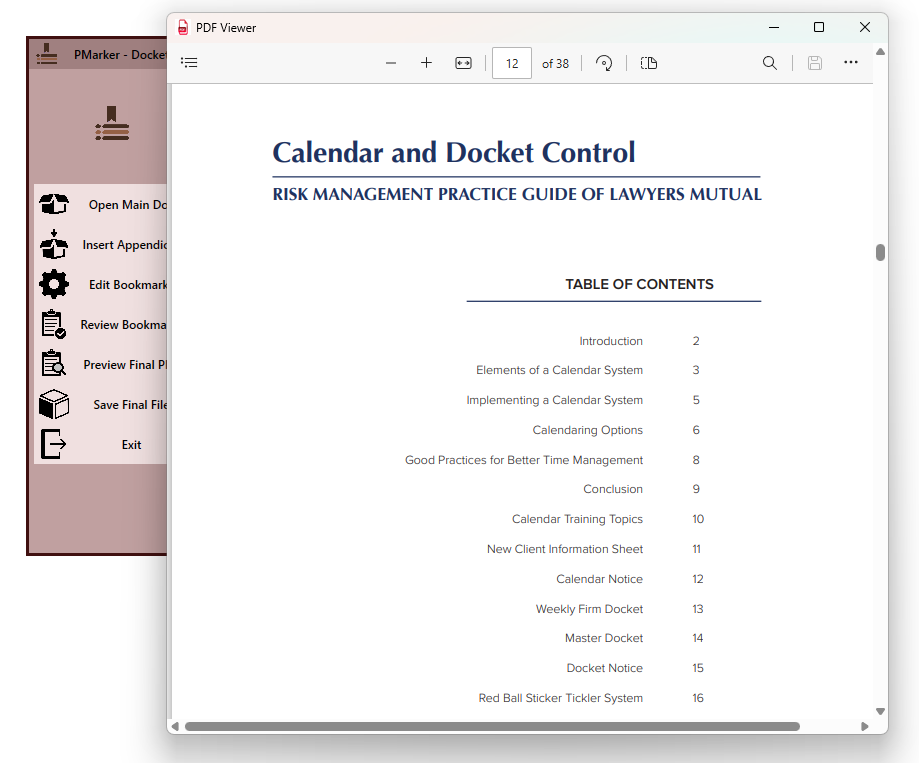
Add a PDF file to the main document with Bookmark
Modify or Delete Bookmarks for better navigation and organization
Review bookmarks of the final Pdf file before saving